
Graphic design is changing fast. Clients now expect quicker delivery, more variations and polished results on tighter budgets. AI tools help designers meet these demands by handling repetitive work, so they can focus on creativity and ideas.
If you’re planning to build a career in design, learning these tools is as important as learning the basics. In this blog, we cover the best AI tools for graphic designing and how a graphic designing course in Patiala can help you master them.
Will AI Replace Graphic Designers?
No. AI can generate images and layouts, but it can’t understand a client’s brand, audience or message the way a trained designer can. Designers who know how to use AI alongside strong design fundamentals will be in the highest demand. That is why a good graphic designing course should teach both.
Best AI Tools for Graphic Designing
1. Adobe Photoshop (Generative Fill)
Photoshop’s AI features let you add, remove or extend parts of an image with a simple text prompt. It’s useful for photo editing, background replacement, retouching and social media creatives.
2. Adobe Illustrator (Generative Recolor)
Illustrator’s AI features help you create vector graphics and try out multiple color palettes quickly. It’s great for logos, icons and illustrations.
3. Adobe Firefly
Firefly generates images, text effects and design elements from text prompts. It’s beginner-friendly and works well alongside other Adobe apps.
4. Canva (Magic Studio)
Canva’s AI tools help you create presentations, social media posts, posters and videos in minutes. It’s ideal for quick content, templates and brand kits.
5. Midjourney
Midjourney creates artistic, high-quality images from text descriptions. Designers use it for concept art, mood boards and creative inspiration.
6. Figma (AI Features)
Figma is widely used for UI/UX design, and its AI features help generate layouts, rename layers and speed up prototyping.
7. Remove.bg
This tool removes image backgrounds in seconds, saving hours of manual cutting for product photos and thumbnails.
8. Looka
Looka helps generate logo ideas and basic brand identity concepts quickly. It’s useful for exploring directions before refining them in Illustrator.
9. Khroma
Khroma uses AI to suggest color combinations based on your preferences, helping you build better palettes faster.
How AI Tools Help Graphic Designers
- Save time on repetitive tasks like background removal and resizing
- Generate ideas and variations quickly for client presentations
- Improve quality with smart retouching and color suggestions
- Increase income by completing more projects as a freelancer
- Stay competitive in a job market that now expects AI skills
Why Choose a Graphic Designing Course in Patiala at CIT?
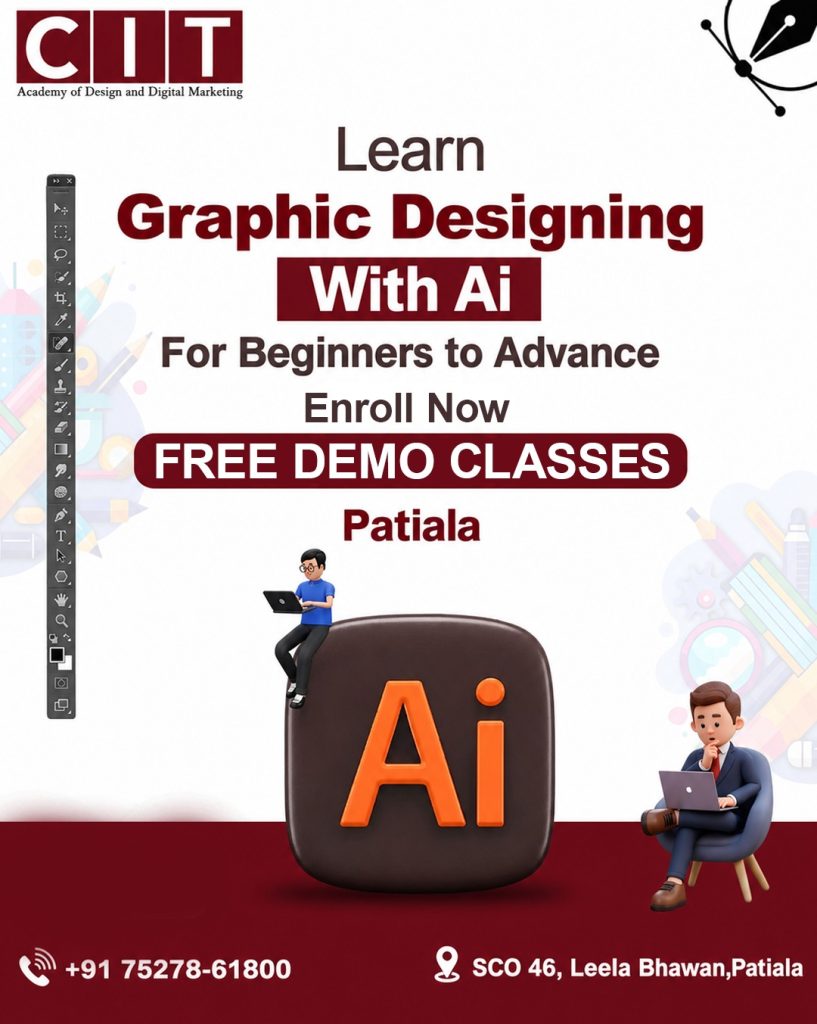
At CIT Patiala (Creative-i Technologies), our graphic designing course combines core design software with modern AI tools, so you learn skills that employers actually look for.
- Industry software training: Photoshop, Illustrator, InDesign and more
- AI tools training: learn how to use AI in your design workflow
- 25+ years of experience in computer and creative training
- Live projects and portfolio building to showcase your work
- Internship and placement support to start your career
- Freelancing guidance to help you find clients
- Free demo class before you enroll
Who Can Join This Course?
- Students after 10th or 12th
- College students and graduates
- Aspiring freelancers and content creators
- Working professionals who want to switch careers
- Business owners who want to design their own marketing material
No prior design experience is needed. The course starts with the basics and moves step by step to advanced techniques.
Career Options After a Graphic Designing Course
- Graphic Designer
- Logo and Brand Designer
- Social Media Designer
- UI/UX Designer
- Freelance Designer
- Video Thumbnail and Poster Designer
- Creative Executive in advertising and marketing agencies
Frequently Asked Questions
Which is the best graphic designing course in Patiala?
Look for a course with hands-on software training, AI tools, live projects and placement support. CIT Patiala offers all of these with 25+ years of training experience.
Do I need to know AI tools to become a graphic designer?
It’s not mandatory, but AI skills give you a strong advantage. Our course teaches both design fundamentals and AI tools.
Can I attend a demo class before joining?
Yes. Call us to book a free demo class and see our teaching style and facilities.
Do you provide placement support?
Yes, we provide placement assistance, internship opportunities and freelancing guidance.
Join the Best Graphic Designing Course in Patiala Today
Ready to turn your creativity into a career? Join CIT Patiala and learn the best AI tools for graphic designing from experienced mentors.
📍 Address: SCO 46, Leela Bhawan Market, Patiala, Punjab 147001
📞 Call/WhatsApp: 9814717796
Book your free demo class today!